
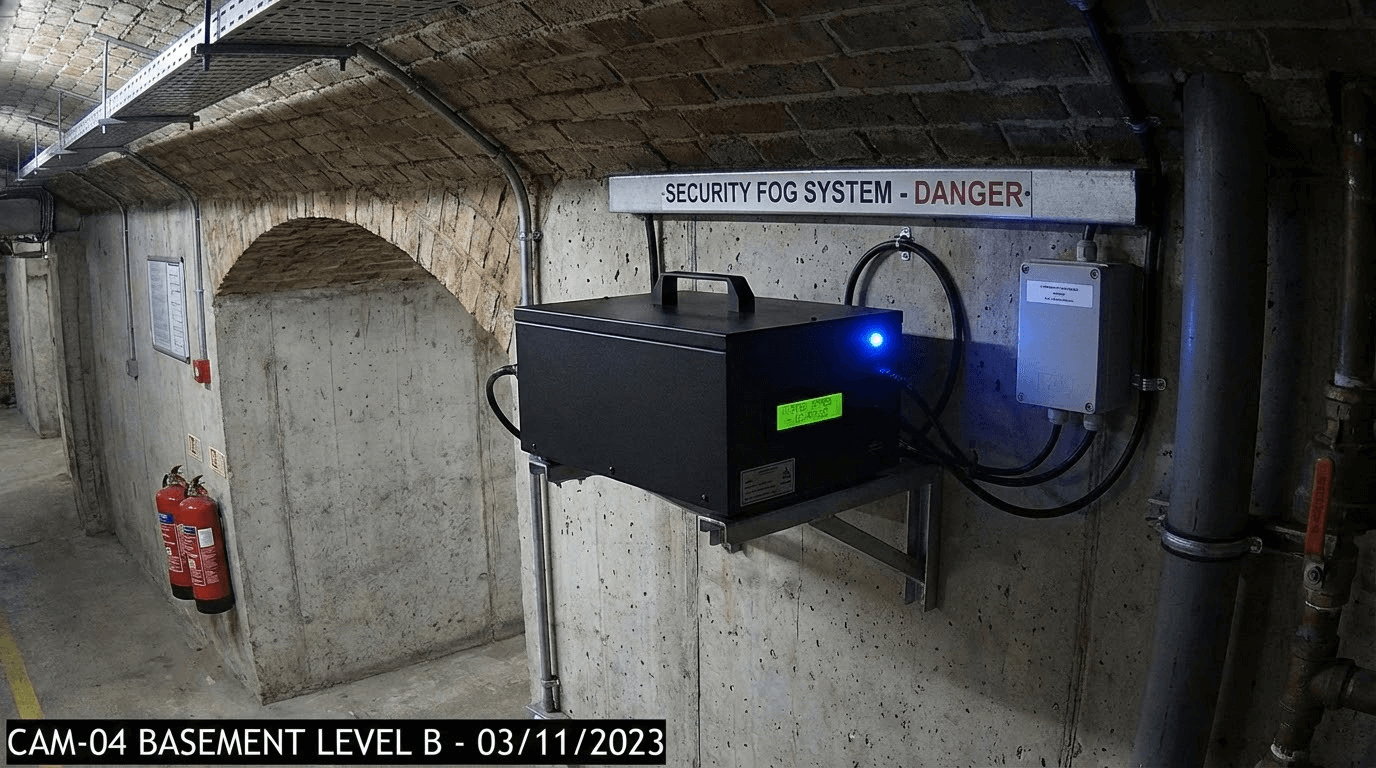
🔧 TECHNICAL SOLUTION: Fog Generator WITHOUT WiFi
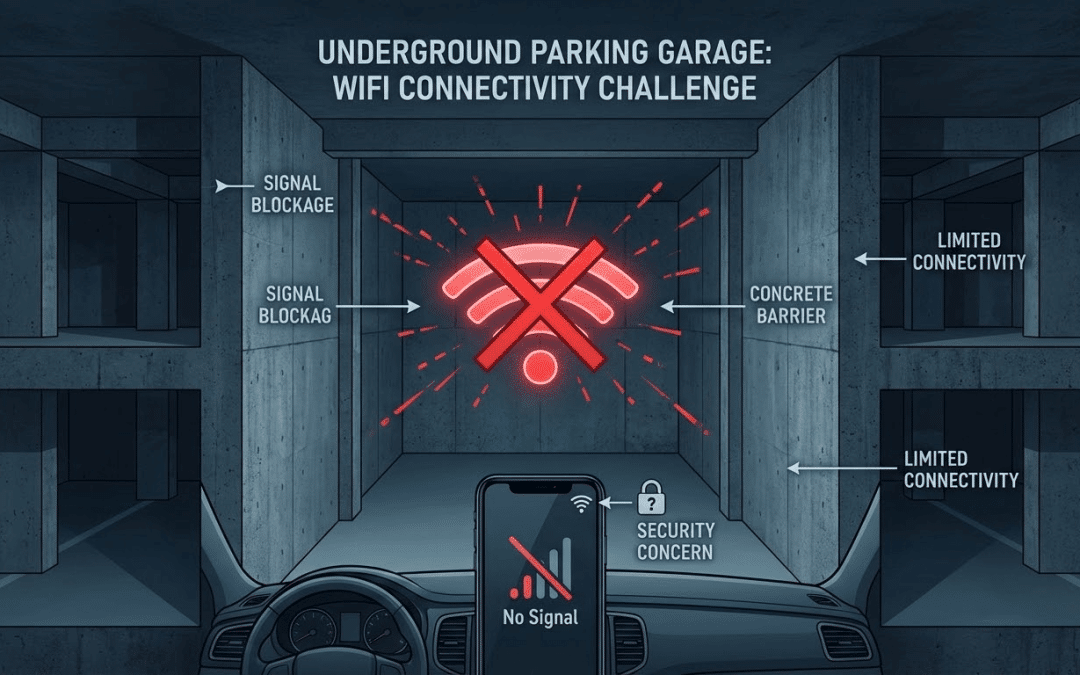
Got an underground car park with no WiFi? A holiday home without internet? A detached building where signal just doesn’t reach?
The problem: Smoke-Defender fog generators are Smart Life products that normally require WiFi to work with the app and wireless motion sensors.
The solution: Thanks to the wired motion detector and the rear NO/NC dry contact port, you can trigger the fog automatically WITHOUT WiFi!
In this complete guide with video tutorial, I’ll show you how to install the system in just 10 minutes. 🚀
🎥 Complete Video Tutorial
Watch the video to see the full installation in action:
📹 What’s in the video:
- 0:00-1:00 — The WiFi problem explained
- 1:00-2:30 — Wiring demonstration (12V + dry contact)
- 2:30-4:00 — Live triggering test
- 4:00-5:30 — 433 MHz remote socket trick
- 5:30-6:30 — Door/window contact alternative

❌ The Problem: No WiFi = No Protection?
Many customers find themselves in situations where WiFi simply doesn’t exist:
- 🏗️ Underground car park — WiFi signals don’t penetrate concrete
- 🏡 Holiday home — No router installed
- 🏢 Detached building — Too far from the main house
- 🔧 Workshop or shed — Out of router range
- 🍷 Wine cellar — Thick walls block the signal
- 🏠 Property for sale — Empty, no internet
⚠️ Smart Life limitation:
Smoke-Defender fog generators use the Smart Life/Tuya protocol which requires WiFi to:
- Create automatic “scenes”
- Connect wireless sensors
- Control via smartphone
- Receive notifications
Without WiFi, this chain breaks. 😔
✅ The Solution: WIRED Motion Detector
🎯 How it works:
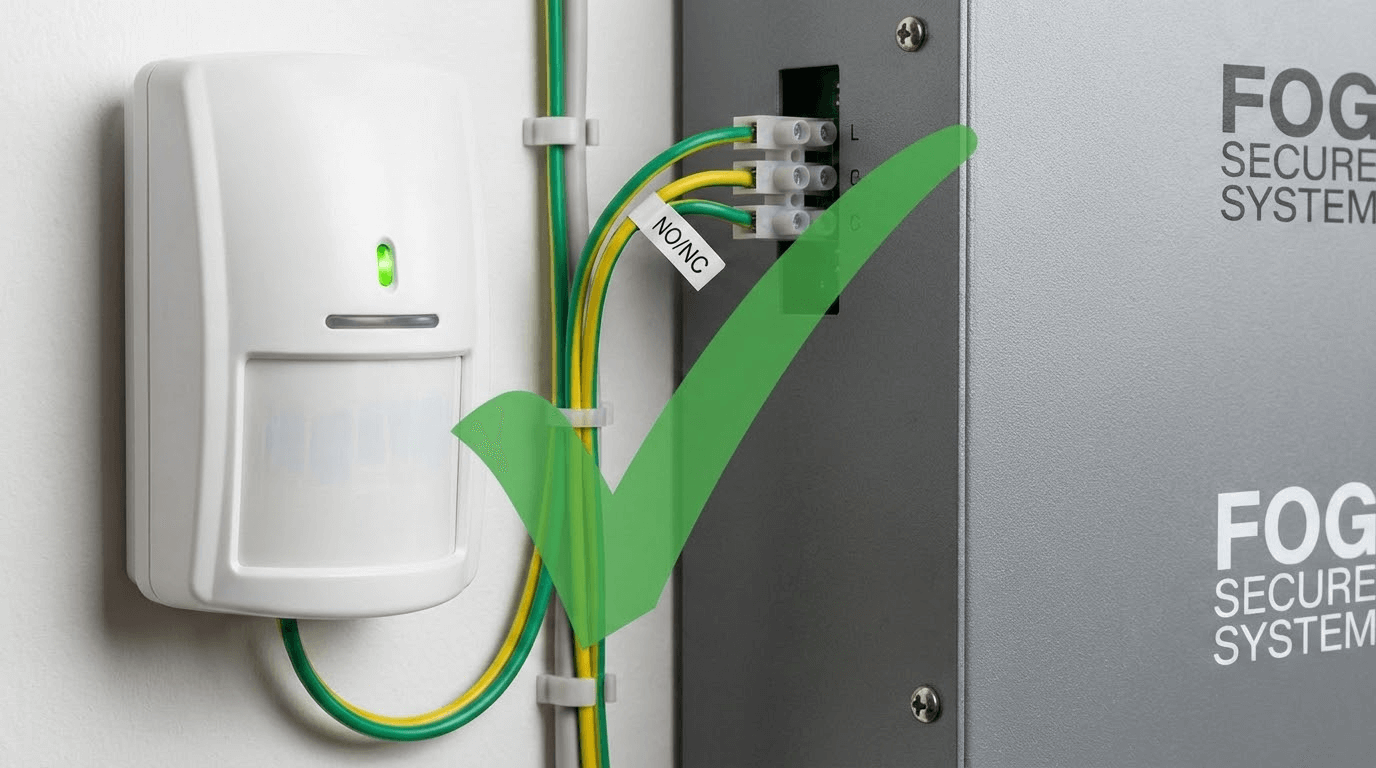
Use the rear NO/NC port (dry contact) on the fog generator to directly connect a wired motion detector that doesn’t need WiFi.
Immediate benefits:
- ✅ Works 100% WITHOUT WiFi
- ✅ Instant automatic triggering
- ✅ No smartphone app required
- ✅ No subscription needed
- ✅ Simple installation (10 minutes)
- ✅ Maximum reliability

🛠️ Equipment Needed
Here’s everything you need for the installation:
💰 Total cost: £299-349
(complete solution without WiFi, zero subscriptions!)
🔧 Step-by-Step Installation Guide
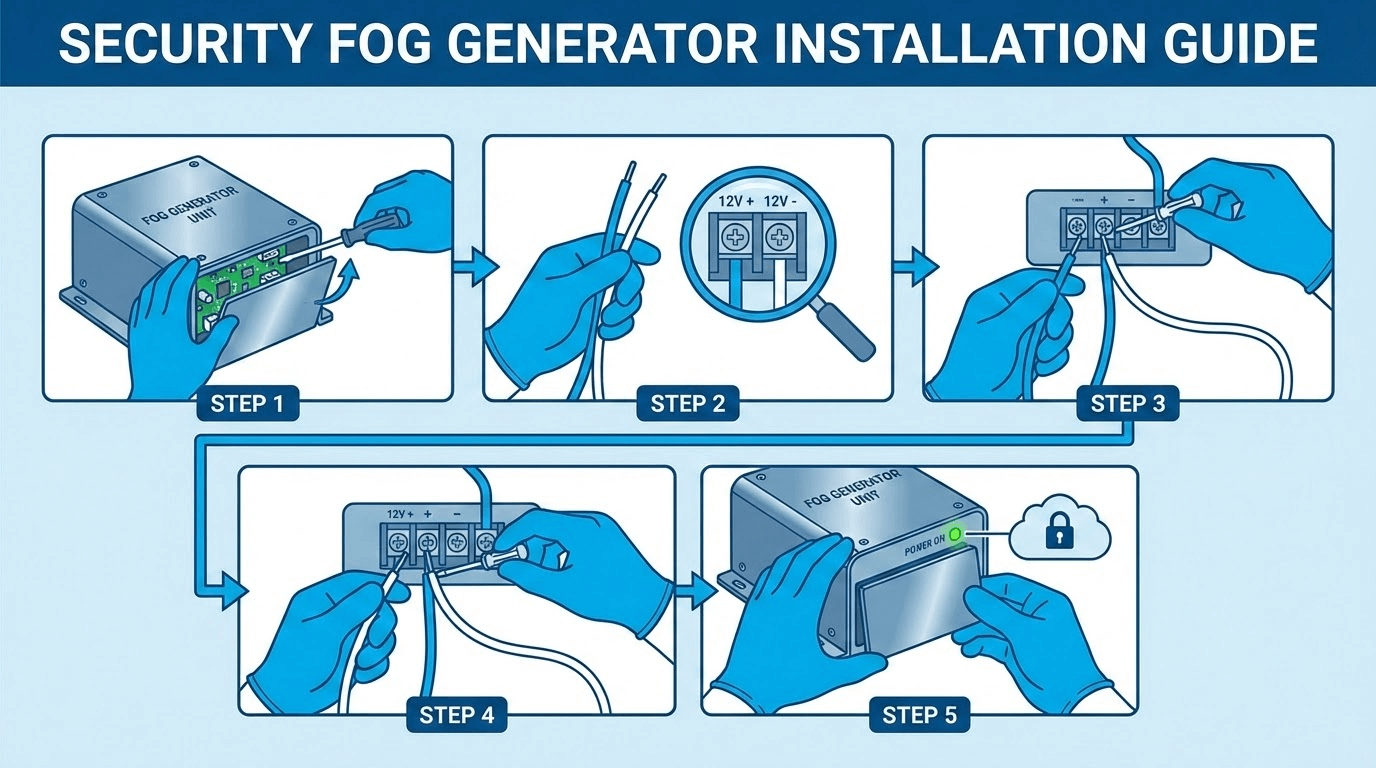
Follow these 5 steps to install your system:
1 Prepare the Generator
- Remove the 4 screws (hex key included)
- Remove the cover
- Locate the ports: 12V + IN+ / IN- (NO/NC)
2 Connect 12V Power to Generator
- Plug the 12V transformer into the generator port
- ⚠️ DO NOT plug into mains until everything is connected
3 Power the Motion Detector
Two options:
- Option 1: Share the same 12V transformer
- Option 2 (recommended): Use a second dedicated transformer ✅
4 Connect the Dry Contact (NO/NC)
🔵 Generator side:
- YELLOW cable → IN+ port
- GREEN cable → IN- port
🟢 Detector side:
- YELLOW cable → COM port
- GREEN cable → NO port
5 Test It Works
- Plug in the power
- Wait 30-60 seconds (blue LED → green)
- Wave your hand in front of the detector
- The fog triggers! (orange LED) 🌫️
✅ Test successful if:
- ✅ Blue LED → green on startup
- ✅ Motion detected → orange LED
- ✅ Fog deployed instantly
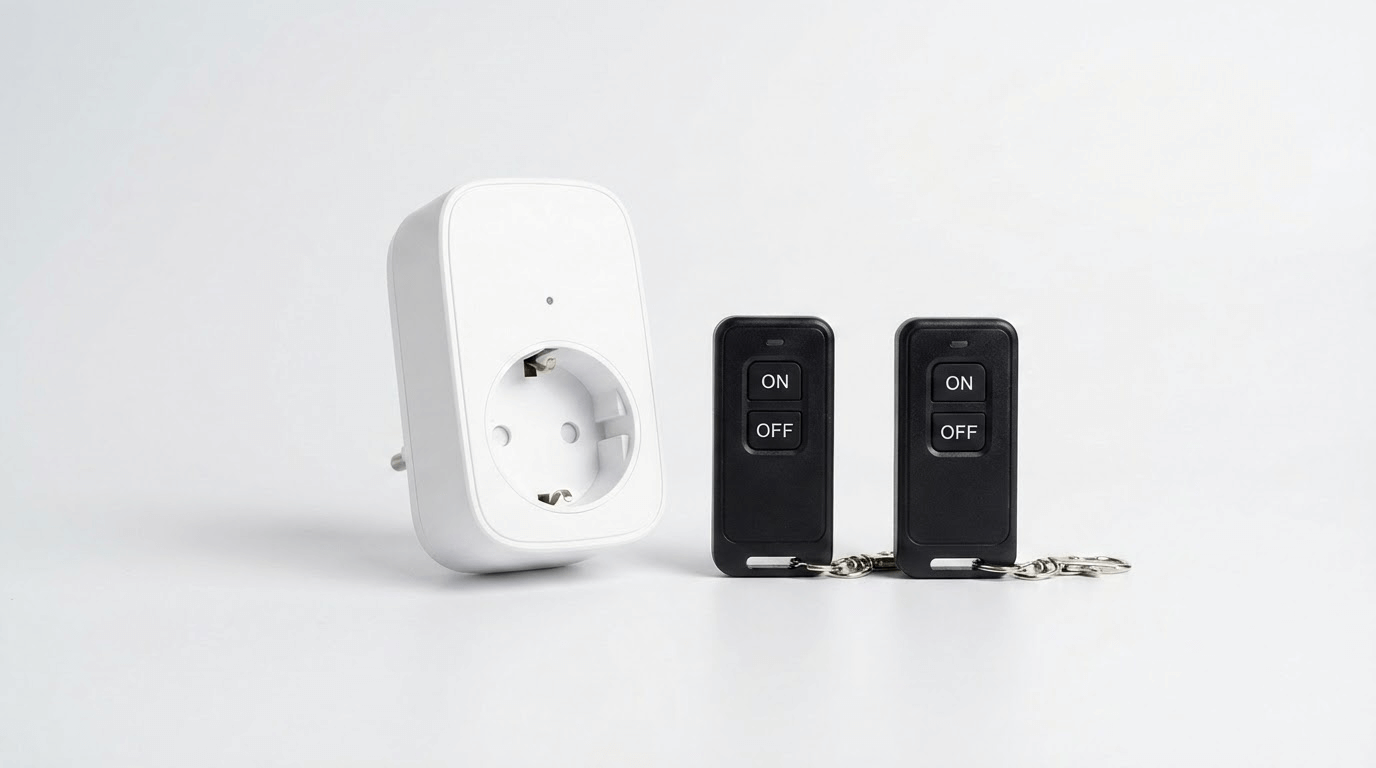
📻 Pro Tip: 433 MHz Remote Socket
🤔 Problem: How do you turn off the system before entering?
💡 Solution: 433 MHz remote controlled socket with ON/OFF fob
🎯 How it works:
- Connect: Power strip → 433 MHz socket → Mains
- When leaving: Remote → ON → System armed
- When returning: Remote → OFF → System disabled
- Enter safely without triggering the fog 😊
💡 Benefit: Remote always with you (keyring) = total control without smartphone!
📊 433 MHz vs WiFi Socket Comparison

🔄 Alternatives to Motion Detector
The NO/NC port accepts any dry contact. You can use:

❓ Technical FAQ
1. Can I use the same transformer for both?
Yes, if the transformer is at least 2.5A.
- Generator: ~2A
- Detector: ~0.5A
If you have a 3A+ transformer, you can share. ✅
2. Does the manual remote still work?
Yes, always! The included remote works even with the wired detector.
You have: automatic triggering (motion) + manual (remote) as backup. 👍
3. What’s the range of the wired detector?
- Range: 6-12 metres
- Angle: 110-120°
- Ideal height: 2-2.5 metres
4. Is the 433 MHz socket essential?
No, it’s optional. Without it, you need to unplug manually before entering. With the 433 MHz socket, just press OFF on the remote from outside. 📻
5. Is it compatible with AJAX alarm?
Yes! AJAX alarms have relay modules that connect to the fog generator’s NO/NC port for complete integration. 🔗

✅ Benefits of the No-WiFi Solution
🛡️ Protect Your Garage WITHOUT WiFi
Complete solution • 10-minute installation • Maximum reliability
The Pack includes:
- ✅ 1× Smoke-Defender fog generator
- ✅ 1× 150 m³ cartridge
- ✅ 1× Wired 12V motion detector
- ✅ 1× Manual remote control
- ✅ 1× 12V transformer
- ✅ Connection cables
- 🎁 Optional: 433 MHz socket with 2 remotes
£349 incl. VAT
24-48h delivery • Technical support included
📧 contact@smoke-defender.com
💬 WhatsApp available on site
🎥 Video tutorial included
📹 More Video Tutorials:
- 🔧 Standard WiFi installation
- 📱 Smart Life scene configuration
- 🧪 Fog triggering test
- 🔄 Cartridge replacement
Keywords: fog generator without wifi, wired motion detector, garage fog generator, dry contact NO NC, smoke defender no wifi
Last updated: February 2026